Well, Engineering mode Android is a special program that allows the user to make adjustments for your device, conduct technical testing and evaluate the work of the sensors.

And here are the least steps to visit the option:-
1) Go to your phone original settings
2) Click on about phone that appears top
3) After you clicked about phone, scroll down and you’ll see kernel version
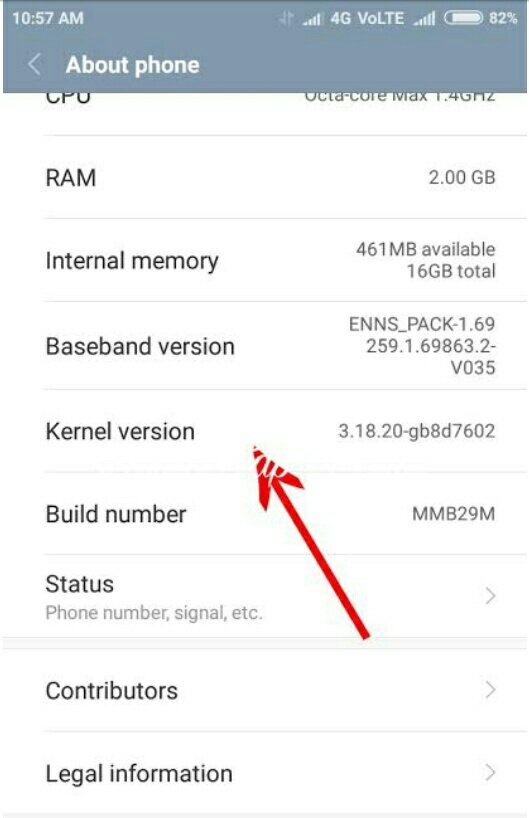
4) Lastly tap the kernel version several times and engineering mode will open
Thanks, hope this successfully helps to you

